
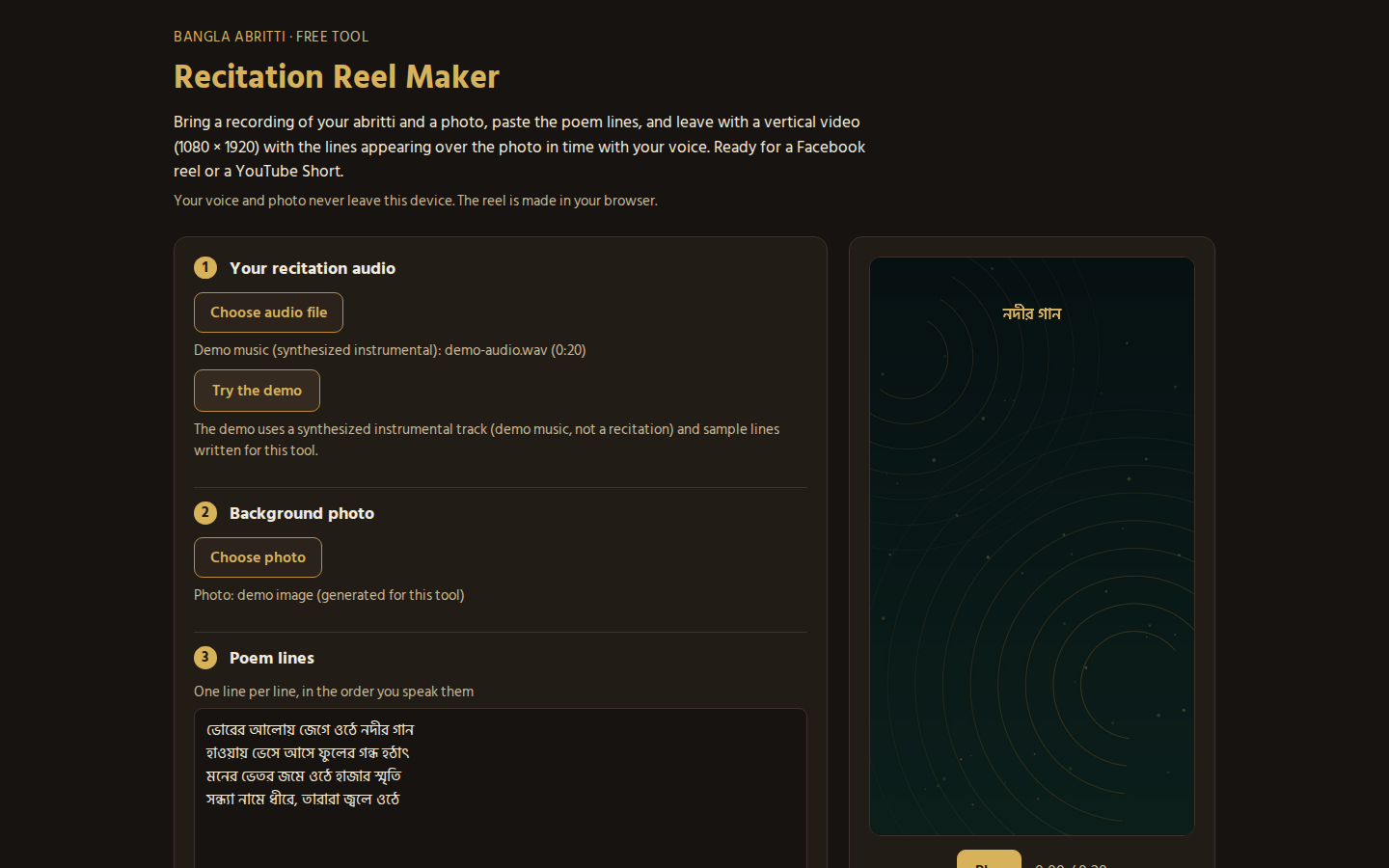
A good abritti recording usually ends its life as an audio file in a phone folder. The Recitation Reel Maker gives it a second life: bring your recording and a photo, paste the poem lines, and it builds a vertical video (1080 x 1920) with the lines appearing over the photo in time with your voice, sized for a Facebook reel or a YouTube Short.
Everything happens in your browser; your voice and photo never leave the device. Not sure how it flows? The demo mode loads a synthesized instrumental track (demo music, not a recitation), a generated demo image, and four short sample lines written for this tool, so you can see the whole thing before touching your own files.
How to make your first reel
- Choose your recitation audio: MP3, WAV, M4A, OGG or WebM.
- Add a background photo. It fills the whole frame; tall photos fit best.
- Paste the poem lines, one per line, in the order you speak them. Poem title, poet and recited by are optional.
- Set the look: a dark overlay behind the words (55 percent by default), text size small, medium or large, and white or warm gold text.
- Export the WebM video. Export plays in real time, so a two minute recitation takes about two minutes to render.
Two exports a day are free on each connection; after that, an email unlocks unlimited exports for the rest of the day. Lines are spread evenly across your recording, so a steady pace keeps the words sitting on your voice. If the take itself is not ready yet, our comparison of poetry recording apps and the voice recorder guide cover the recording side first. When the reel is done, the one tap Facebook sharing guide picks up where it ends. Prefer a still? The same lines become a shareable card in the Kobita Card Maker at KobitaGhar. Now give the recording a face: open the Recitation Reel Maker.